From equation
to animation.

ManimPro is a desktop studio for Manim, the animation engine behind 3Blue1Brown-style videos. Write scenes or describe them to an AI assistant, see them render beside your code, and cut them into a finished video with narration, music and captions.

Free and open source. Windows 10 and 11. Python, Manim, FFmpeg and LaTeX are included.

2346xyab∫baf(x)dx

The ManimPro editor

Code, preview and timeline in one window. The preview is a real render from the “Area under a curve” template.

ManimPro = Python + Manim + FFmpeg + LaTeX

One installer, about 1 GB, no administrator rights. Nothing to set up on PATH, no virtual environments, no TeX distribution to hunt down. Install it and render your first scene.

From idea to export

Everything ManimPro does, in the order you'll use it.

Write

A real code editor for Manim, and a project that holds everything a video needs.

Code editor that knows Manim
The editor from VS Code, with suggestions for Manim classes, animations and colors, snippets, and errors underlined on the line that caused them.
Projects and files
Scene files in folders, plus any data or pictures your scenes read: CSV, JSON, images. Add them with a button or drag them in from File Explorer.
16 templates
Calculus, linear algebra, Fourier series, Bayes, neural networks, sorting, search and more. Each is a finished 25–40 second video you can take apart.
Open any folder
Point ManimPro at an existing Manim project, or right-click a folder in File Explorer. Relative paths and your manim.cfg work as they do on the command line.
Python packages
Need networkx or scipy for a scene? Add it from PyPI in Settings. ManimPro keeps its own Manim and NumPy versions safe.
Ask

Describe the video. An assistant plans it, writes the scenes, renders them and checks the result.

Bring your own assistant
Claude Code, Codex or OpenCode, each signed in through its own app. Or use an OpenRouter or Vercel AI Gateway key. Model details come from models.dev.
It plans, then builds
Longer videos are split into scenes with a storyboard you can see, written one idea at a time and laid out on the timeline in order.
It looks at its own work
After rendering, the assistant views frames from the preview to catch overlaps and text that runs off the edge, then fixes them.
Undo a request
Every request saves a checkpoint first. If you don't like what changed, put the files and timeline back with one click.
Attachments and history
Attach sketches, screenshots or data. Chats are saved with the project, with formatted answers and math.

Preview

See every scene beside its code, at the speed you need.

Live preview
Render the scene under your cursor with Ctrl + Enter, or every time you save. The engine stays loaded, so previews start in about a second.
Fast mode and quick look
A 360p, 12 fps preview for quick checks, and a button that renders only the last frame.
Any frame shape
16:9, vertical 9:16 for Shorts and Reels, square, 4:5, 4:3 and 21:9. Previews match, and scenes laid out for 16:9 can fit without being cut off.
LaTeX included
MathTex and Tex work out of the box. No separate TeX install.

Edit

A timeline for scenes, narration and music.

Timeline
Drag scenes in, trim, split at the playhead, duplicate, snap to edges and close gaps. Clips show frames from the render. Undo and redo everything.
Transitions
Fade through black or crossfade between scenes, in the preview and in the export.
Voiceovers
Generate narration with ElevenLabs, pick a voice by ear, and regenerate a line in place when the script changes.
Music library
Eight original tracks made for ManimPro, free for any video including commercial ones (CC0). Or import your own audio.
Captions
Made from your narration or typed by hand, edited on their own track, exported as subtitles or burned into the picture.

Export

Every scene is rendered again at full quality, then put together.

Formats
MP4 for anywhere, WebM for the web, ProRes MOV for editing apps, GIF, or a folder of PNG frames.
720p to 4K
Pick the resolution, the frame shape and the file size you want. Export the whole timeline or a single scene.

And the rest

The small things that make it pleasant to spend an afternoon in.

  • A home page to start from a prompt, a template or a recent project
  • Project previews that play when you rest the pointer on them
  • Switch projects from the title bar
  • Layouts: preview in the middle, panels left or right, full-height panels
  • Accent colors, interface size and editor fonts
  • Full screen for the preview or the code
  • Keyboard shortcuts for rendering, playback and the timeline
  • API keys kept in Windows Credential Manager, never in your projects

Start from a finished video

16 templates, each a complete video in several scenes. Open one, play it, and change anything.

  • 34 s

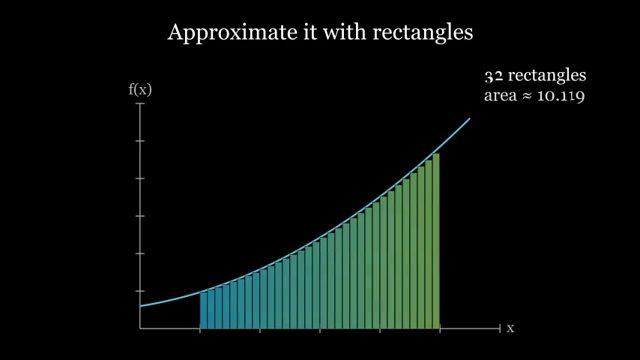
    Area under a curve

    Rectangles shrink toward the exact area, then the area function reveals dA/dx = f(x). 3 scenes, inspired by Essence of Calculus.

  • 35 s

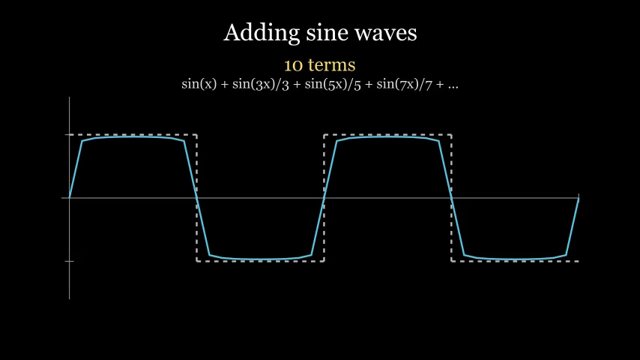
    Fourier series: a square wave from sines

    Add sine waves one by one, then watch spinning circles draw the wave. 2 scenes, inspired by “But what is a Fourier series?”

  • 28 s

    Linear transformations

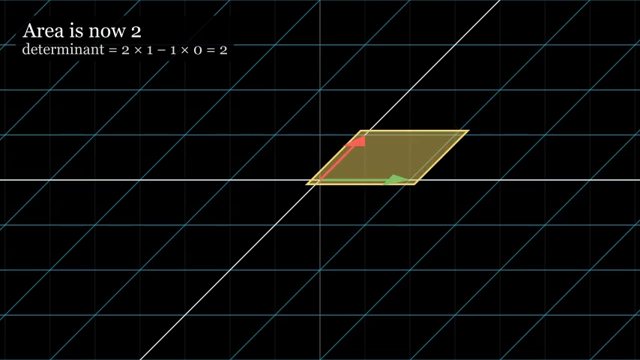
    Basis vectors, a shear, a rotation and the determinant as area. 4 scenes, inspired by Essence of Linear Algebra.

  • 34 s

    The quadratic formula, derived

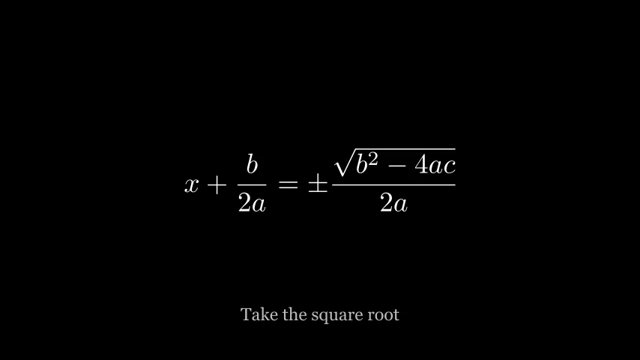
    Complete the square step by step, then check the formula on a parabola's roots. 3 scenes (MathTex).

  • 22 s

    Euler's formula: e^iπ = −1

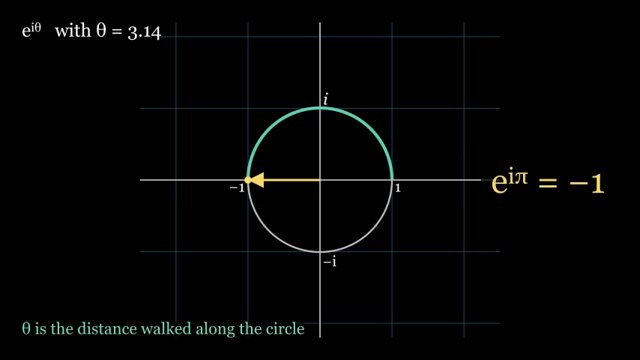
    Multiplying by i as a quarter turn, then e^iθ walking the unit circle. 2 scenes.

  • 25 s

    Taylor series of sin(x)

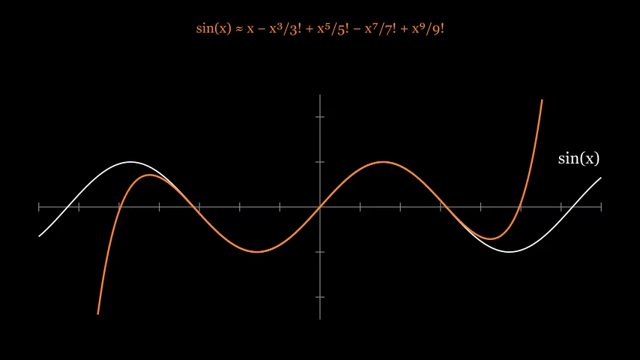
    Polynomials of growing degree hug the sine curve over a wider range. 2 scenes.

  • 24 s

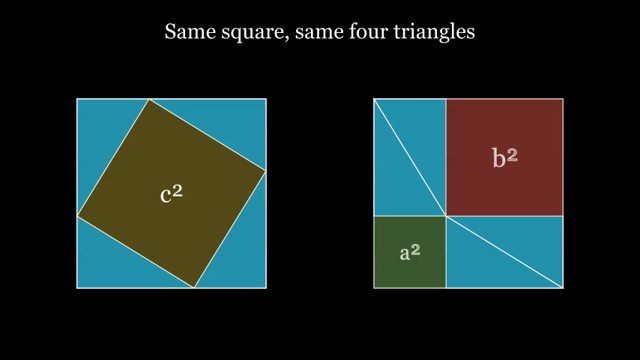
    Pythagorean theorem, by rearrangement

    The same four triangles in one square, arranged two ways. 2 scenes.

  • 26 s

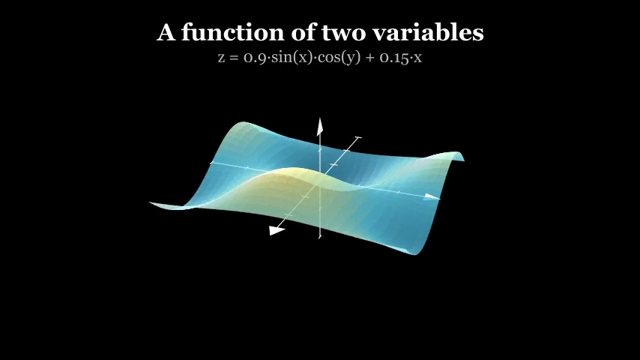
    Functions of two variables

    A surface rises from the plane with an orbiting camera, then a moving slice turns it into a 1D graph. 2 scenes, 3D.

  • 32 s

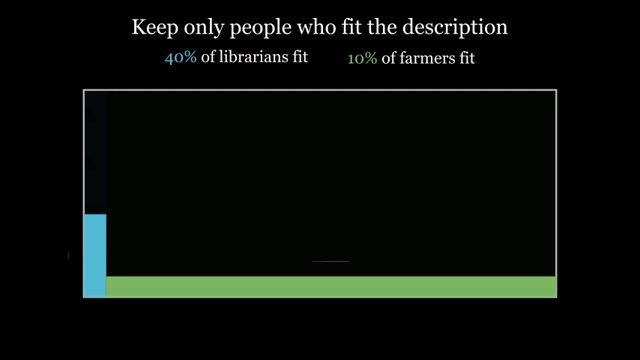
    Bayes' theorem as areas

    Librarian or farmer? Prior odds and evidence drawn as areas. 4 scenes, inspired by 3Blue1Brown's Bayes video.

  • 25 s

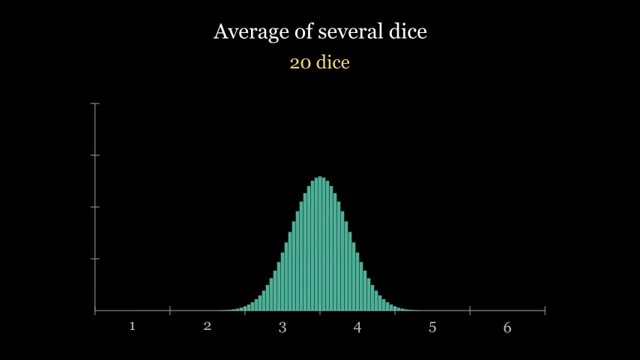
    Central limit theorem

    Averages of more and more dice pile up into a bell curve. 2 scenes.

  • 25 s

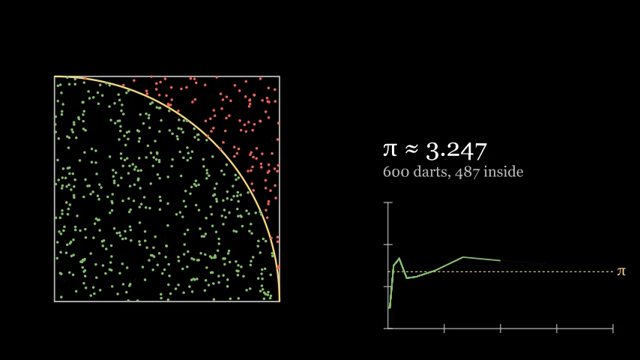
    Estimating π with random darts

    Why the share of darts inside a quarter circle is π/4, then 1,200 throws with a live estimate. 2 scenes.

  • 37 s

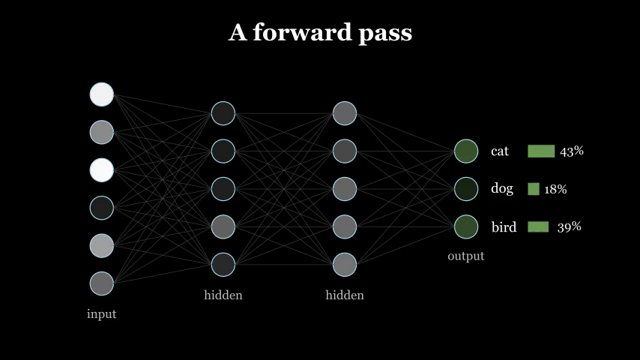
    How a neural network makes a guess

    Layers and weights, the maths inside one neuron, then a forward pass that picks a label. 3 scenes.

  • 37 s

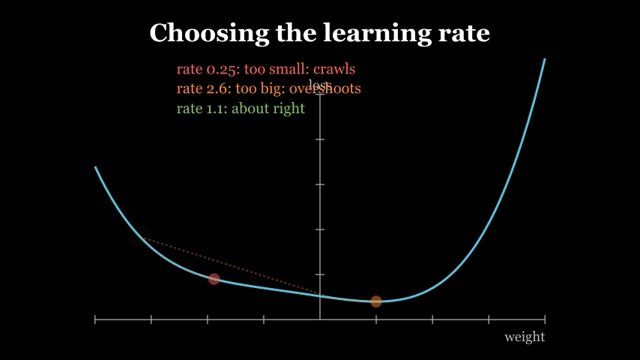
    Gradient descent

    A ball steps downhill along the slope, then three learning rates race: too small, too big, about right. 2 scenes.

  • 36 s

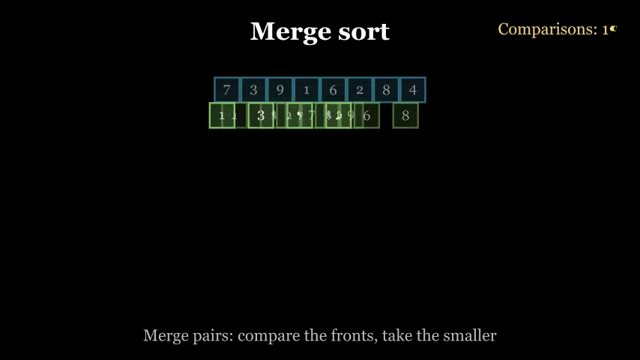
    Bubble sort vs merge sort

    Neighbour swaps against split-and-merge on the same list, with comparisons counted. 3 scenes.

  • 37 s

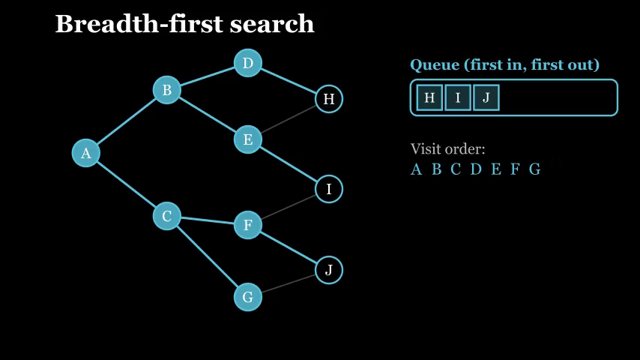
    Breadth-first vs depth-first search

    The same graph searched with a queue, then a stack, with the visit order written out. 2 scenes.

  • 25 s

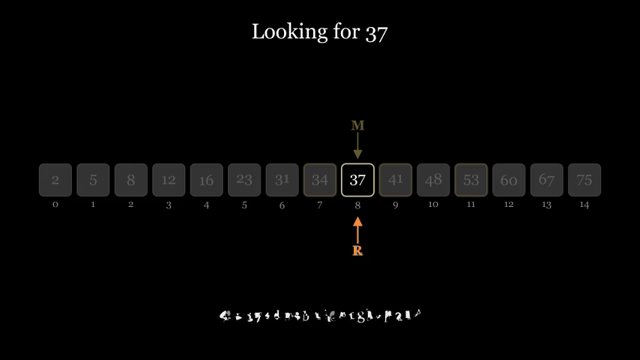
    Binary search

    L, M and R pointers halve the range until the target is found. Edit the list and target. 2 scenes.

Built on open source

ManimPro stands on a lot of good software. These are the main pieces; the full list of 309 components and their licences is in the source code and in the app under Settings, About.

Inside the installer

The app is made with

Services you can connect

Learn more

Where to learn Manim, find ideas, and follow ManimPro.

Questions

Do I need to install Python?

No. Python, Manim, FFmpeg and LaTeX come inside the installer. Install ManimPro and start.

Is it free?

Yes. ManimPro is free and open source. The AI assistants and ElevenLabs are optional and use your own accounts.

Which systems does it run on?

Windows 10 and 11, 64-bit. The installer needs about 1 GB of disk space and doesn't need administrator rights.

Can I use my existing Manim code?

Yes. Open the folder; your scenes, relative paths and manim.cfg work as they do with the manim command.

Can I use the videos commercially?

Yes. What you make is yours, and the built-in music is CC0. Check the terms of any voices or assets you bring in.

Is it affiliated with 3Blue1Brown or the Manim Community?

No. ManimPro is an independent app built on Manim Community Edition, which is MIT-licensed.

Make something that moves.

Windows 10 or 11, 64-bit. About 1 GB of disk space. The installer fetches Microsoft WebView2 if your PC doesn't have it.